


Close Menu
AdimorahBlogAdimorahBlog
  • Home
  • ABOUT US
  • CONTACT US
  • PRIVACY POLICY
  • XIAOMI
    • Xiaomi apps
      • POCO beta testers
    • Xiaomi News
    • Xiaomi Pad
    • Redmi
    • POCO
  • MIUI updates
    • MIUI 14
    • MIUI beta testers
    • MIUI launcher
  • Google
    • Google Camera
    • Pixel
    • Google chrome
  • Samsung
    • OneUI news
    • Samsung News
    • Samsung Galaxy Watch
  • Android
    • Android 13
    • Android 14
    • Android 15
    • Android Auto
  • Smartphone
    • Apple
    • Samsung
    • Pixel
    • XIAOMI
    • Redmi
    • POCO
    • OnePlus
    • Sony
    • Fairphone
    • OnePlus
  • How To
  • Gaming
    • Video gaming
Facebook X (Twitter) Instagram
AdimorahBlogAdimorahBlog
Subscribe
  • Home
  • ABOUT US
  • CONTACT US
  • PRIVACY POLICY
  • XIAOMI
    • Xiaomi apps
      • POCO beta testers
    • Xiaomi News
    • Xiaomi Pad
    • Redmi
    • POCO
  • MIUI updates
    • MIUI 14
    • MIUI beta testers
    • MIUI launcher
  • Google
    • Google Camera
    • Pixel
    • Google chrome
  • Samsung
    • OneUI news
    • Samsung News
    • Samsung Galaxy Watch
  • Android
    • Android 13
    • Android 14
    • Android 15
    • Android Auto
  • Smartphone
    • Apple
    • Samsung
    • Pixel
    • XIAOMI
    • Redmi
    • POCO
    • OnePlus
    • Sony
    • Fairphone
    • OnePlus
  • How To
  • Gaming
    • Video gaming
AdimorahBlogAdimorahBlog
Home | MIUI update | Xiaomi News | How To | Easily Transfer Playlists from Spotify to Tidal
How To

Easily Transfer Playlists from Spotify to Tidal

Adimorah JudeBy Adimorah JudeJune 7, 2022Updated:October 6, 2023No Comments3 Mins Read
Facebook Twitter Pinterest LinkedIn Tumblr Email
Easily Transfer Playlists from Spotify to Tidal
Share
Facebook Twitter LinkedIn Pinterest Email

There are a variety of reasons why you would want to transfer playlists from one platform to the other, as both Spotify and Tidal offer similar music streaming features. It’s simple to move to Tidal and take your existing Spotify music with you, whether you want higher sound quality or are concerned about Spotify’s business methods, such as the minimum royalties it pays artistes while negotiating nine-figure deals with specific podcasters.
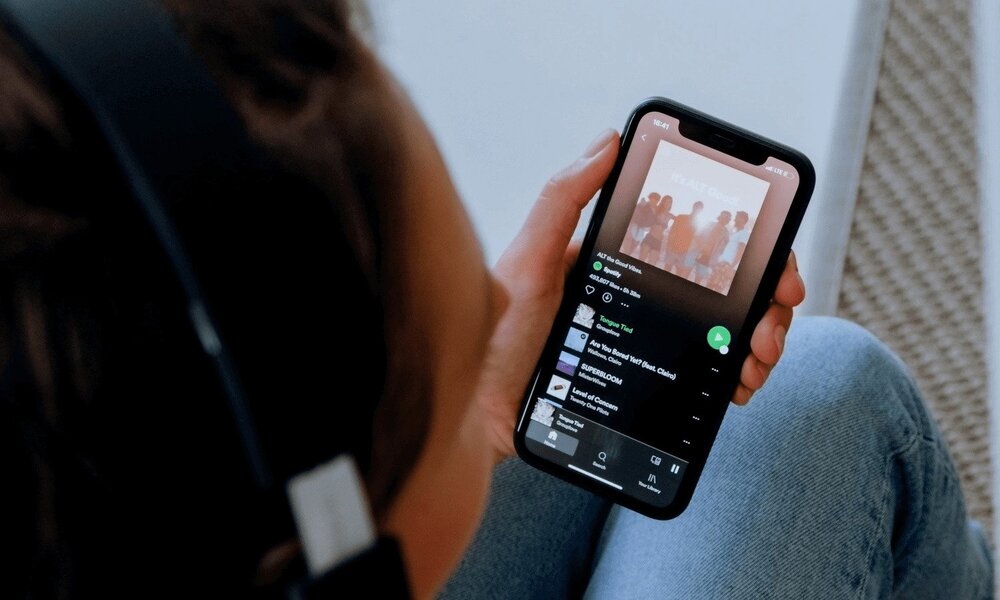
Transfer Playlists from Spotify to Tidal

In this guide, we’ll be having a look at how to transfer playlists from Spotify to Tidal. So, stay tuned as we get started.

advertisement

Why switch from Spotify to Tidal?

Spotify and Tidal both have massive music libraries with tens of millions of songs. That implies that, unless you have unusual musical tastes, you’ll be able to locate practically everything on both platforms.

The fact that Tidal has greater sound quality is maybe the most persuasive debate to discuss. Many tracks are available in high-fidelity versions up to 9,216kbps if you subscribe to Tidal HiFi Plus ($19.99 per month). Tidal also offers a small number of recordings encoded in Sony 360 Reality Audio, a multi-channel, immersive surround-sound experience. 

Even if you pay $9.99 per month for Tidal’s HiFi subscription, you’ll enjoy outstanding IP audio quality up to 1,411kbps, offline listening, and the ability to skip an unlimited number of tracks. Spotify, on the other hand, has a maximum audio quality of only 320kbps.

How to transfer playlists from Spotify to Tidal

If you’re ready to transition from Spotify to Tidal, one thing you don’t want to lose is your existing Spotify playlist library — especially if you’ve spent years establishing a personal library of music you listen to on a routine basis. The good news is that you can easily import your existing Spotify playlists into Tidal, eliminating the need to recreate them from scratch. Soundiiz is a service that can help you with this.

Soundiiz makes it simple to transfer your Spotify playlists and favorites to Tidal. Here are some basic steps to help you move your Spotify playlists and favorites to Tidal:

  • Open Soundiiz in a web browser. 
  • Select the Playlists Tab in your Library.
  • After that, join Spotify (click on it in the left panel)
  • Choose the Spotify playlists you’d want to relocate by checking the corresponding box on the left of each playlist.
  • In the top toolbar, select Convert tools.
  • Connect this platform to Tidal as the destination.

Thereafter, the importing process will begin. Once completed, if tracks were found, your playlists will be available on Tidal.

Wrapping it Up

There you have it on how to transfer playlists from Spotify to Tidal. The steps are easy, peasy! without taking much of your time. Just go through this guide carefully and you’re good to go.

How to Music app Spotify Tidal
Share. Facebook Twitter Pinterest LinkedIn Tumblr Email
Adimorah Jude
  • Website
  • Facebook
  • X (Twitter)

I'm a passionate tech blogger.

Related Posts

How to Use a Free Online Image Converter Easily

September 26, 2025

How to track people using Find My Device on Android

June 11, 2025

How to find someone on the Maps using an iPhone

June 9, 2025
Add A Comment
Leave A Reply

Recent Posts
  • How to Use a Free Online Image Converter Easily
  • Xiaomi starts rolling out stable Android 16 based on HyperOS 2
  • Galaxy A36 Android 16-based One UI 8 build spotted
  • Galaxy A15 One UI 8 build spotted on Samsung servers
  • Xiaomi 13T HyperOS 2.2 is now available for download
About Us
AdimorahBlog was founded in 2017 and has grown into a global brand in the past years. As we continue to expand, we will keep providing our readers with the best coverage on Xiaomi HyperOS updates and smartphone latest Android OS updates. We strive to become the update hub for all smartphones. Contact Us: info@adimorahblog.com
AdimorahBlog
Facebook X (Twitter) YouTube Telegram
  • Home
  • CONTACT US
  • ABOUT US
  • PRIVACY POLICY
© 2026 AdimorahBlog. All Rights Reserved

Type above and press Enter to search. Press Esc to cancel.