



Google recently updated Find My Device. The new update redesigned the app and introduced new features. It is now possible to track people using the app, which was not previously possible. Also, bluet hoots, speakers, and trackers can be tracked using the newly redesigned Find My Device app.
Tracking people with Find My Device, simply means using their device to locate them. The process is exactly the same as Google Maps. There is a sticker on the Map showing that Google Maps is powering the sharing and tracking feature.
Why track people using Find My Device and not Google Maps
We will not be surprised if Google removes location sharing from the Maps. Find My Device, as the name suggests, is the best place to do your sharing and tracking, while Maps does a great job as a navigation tool, and maybe Google wants to separate the two. It is more convenient to track people using the Find My device as the interface is more detailed.
Once you open the app, you will see everyone you are sharing your location with and those you can see their location. Meanwhile, if someone shares their location with you already using Google Maps, you will see their contact on the app.
How to track people using Find My Device
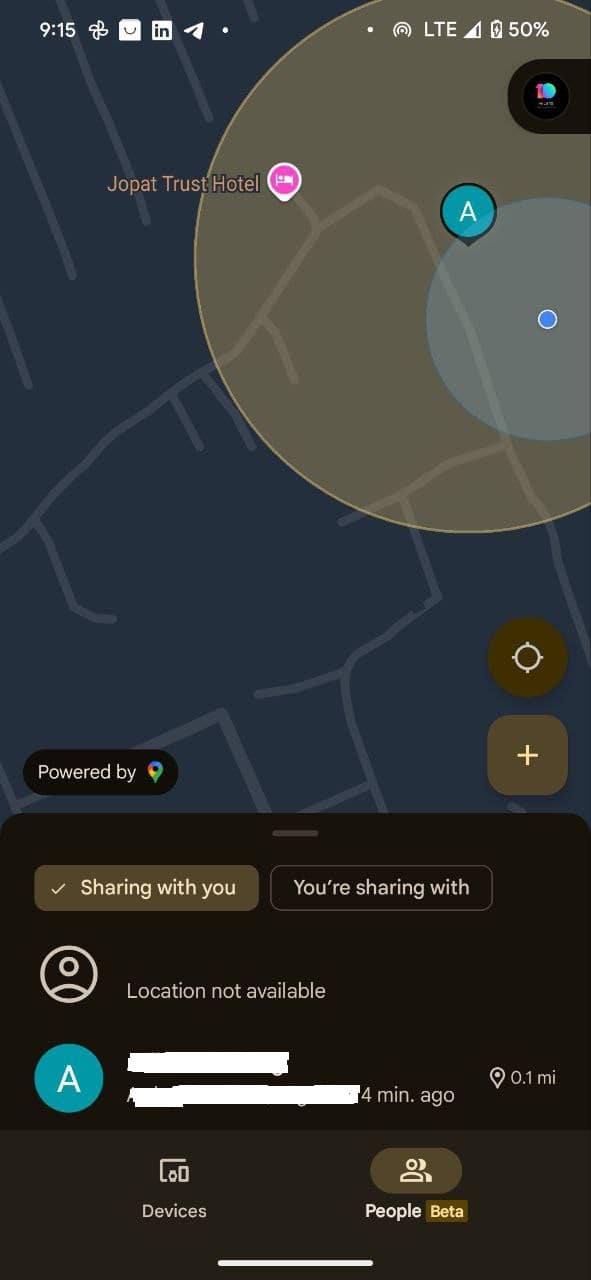
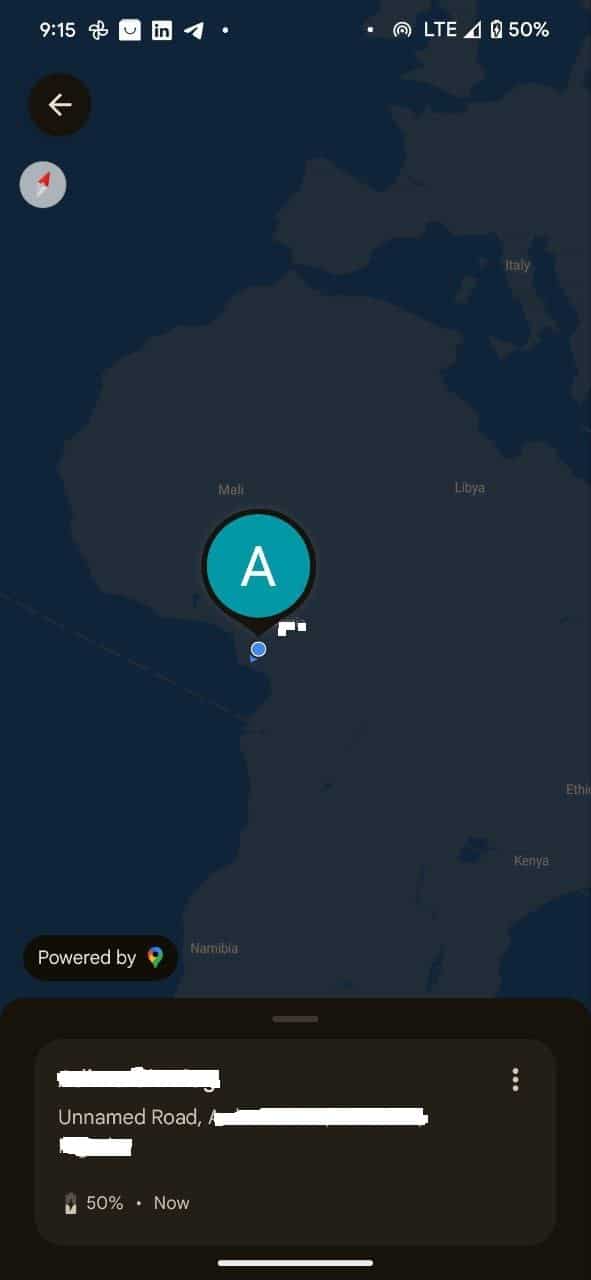
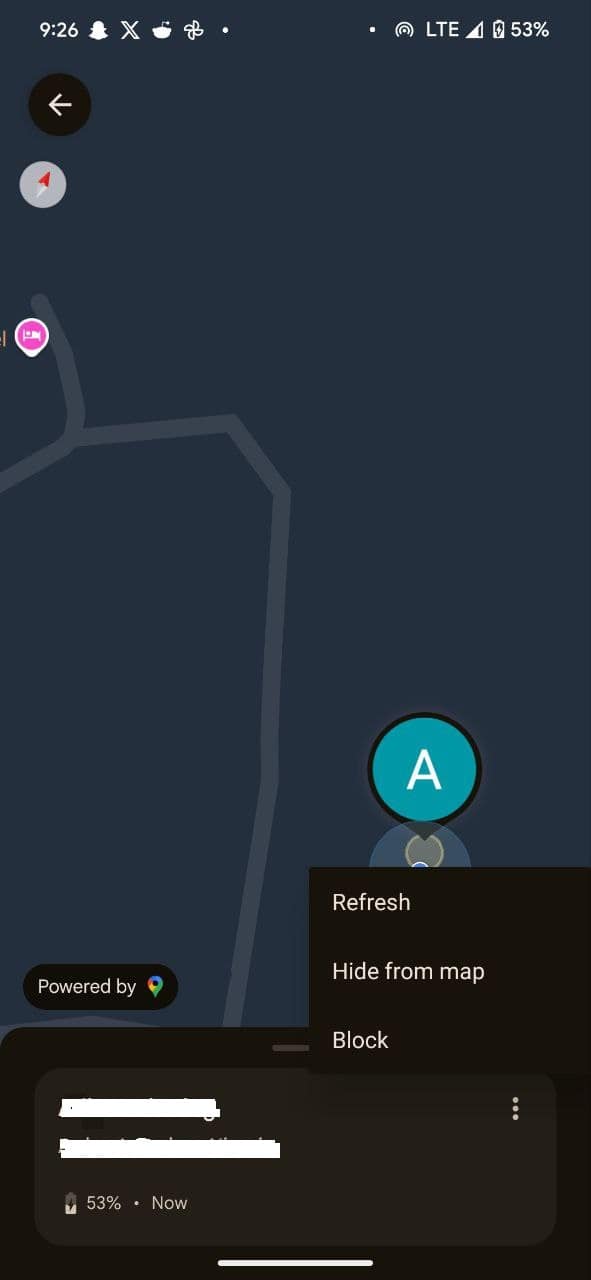
- First, you need to install the latest app update. It is available globally, and you can download it via the Google Play Store. You will notice a People tab responsible for sharing and tracking locations.
- The people tab has a beta label, meaning the feature is a work in progress. It works perfectly, anyway.
- If someone is sharing their location through Google Maps, you will see the contact listed and their live locations displayed on the Maps. You can tap the + icon to initiate a new location-sharing link. We already have a detailed post on how you can do that here.
- From the list of contacts sharing their location with you, tap on anyone you want to track their location
- On the next screen below the screen, Tap Get directions. This will show you the route to where the person you want to track is and how long to get there, depending on your mode.
- In case you only want to check their location occasionally, click the three dots after tapping the contact on the people tab. Select Hide from map or Block. The latter means you can track their location again.
Of course, you can track someone on the web using Find My Device. However, you cannot add new contacts. Hence, you are sure no one will start sharing your location with themself so they can track you without your knowledge. While you are always in control, it is still possible for someone to track you without your knowledge.
Can Someone Track My location without my knowledge?
Yes, people can track your location without your location. You can turn off location services, but that is probably not enough. Someone can use Spy apps to remotely track your location and access your social media accounts. Interestingly, they can use either Google Maps or the Find My Device App. Someone can generate a tracking link from any of these apps and share it with themselves. With that, they will know your location and even get a direction to your current location.
However, Google sends a reminder of the people you are sharing your location with. It is necessary to pay attention and check your apps sometimes to be sure you are not sharing your whereabouts with a stranger. Regardless, I recommend sharing your location with your loved ones for safety reasons.
