


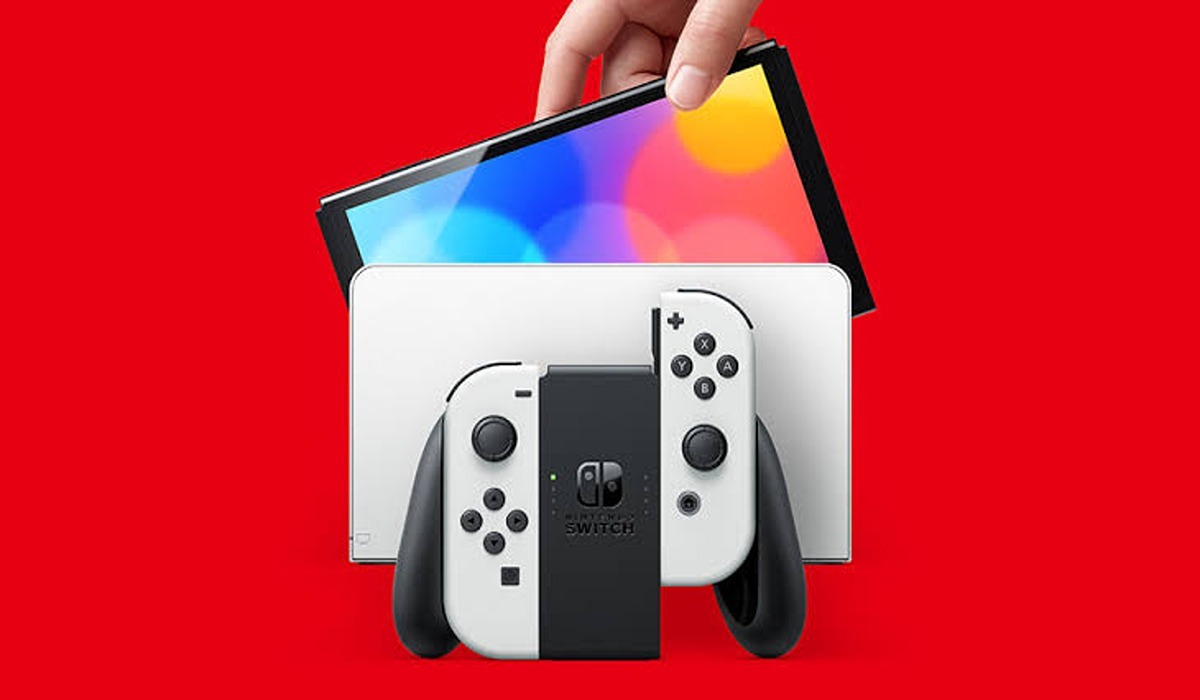
If your Nintendo Switch won’t turn on, then you may be struggling to get back into the action of your favorite games. While this can be very frustrating, there are steps you can take to fix it and get back to playing as quickly as possible! Just follow these simple steps and you should be up and running again in no time.
Fix Nintendo Switch won’t turn on
1. Charge it
If your Nintendo Switch won’t turn on, the first thing you should do is check if it needs to be charged. Even if you think it’s fully charged, plugging it in to charge can be a quick and easy fix. A charging light will come on if it’s not already full.
Most Nintendo Switch units come with an AC adapter that plugs into a wall outlet. Plug the adapter into the dock and connect the other end to a power outlet. You can also charge the Switch by connecting the USB-C cable directly to the Switch and then plugging the other end into a power source like your laptop or a wall outlet.
Once it’s plugged in, leave it alone to charge for at least 30 minutes. If the light on the dock or power adapter stays lit after 30 minutes, your Switch should be ready to use. If the light turns off, try pressing the power button on your Switch.
If your Switch still won’t turn on, you may need to look into some more complex fixes. Don’t worry though—we have plenty of solutions for getting your Switch up and running again!
2. Check the Switch’s AC adapter
If your Nintendo Switch isn’t turning on, one of the first things you should check is the AC adapter that connects the system to a power source. Make sure that the wall outlet or power strip is providing power, and that the plug is fully inserted into the console. If necessary, try another outlet or power strip, or even a different AC adapter.
3. Check for loose cables
Another thing to check is for loose cables. Check to make sure that all of the HDMI cables are properly connected between the dock and your TV.
If you have an HDMI cable connected to the Switch itself, make sure it’s securely connected to both the console and your TV. Finally, if you have an additional power supply connected to your dock, make sure that is securely connected as well. If any of these cables are loose or not properly connected, it could be causing your Nintendo Switch not to turn on.
4. Inspect the Joy-Con controllers
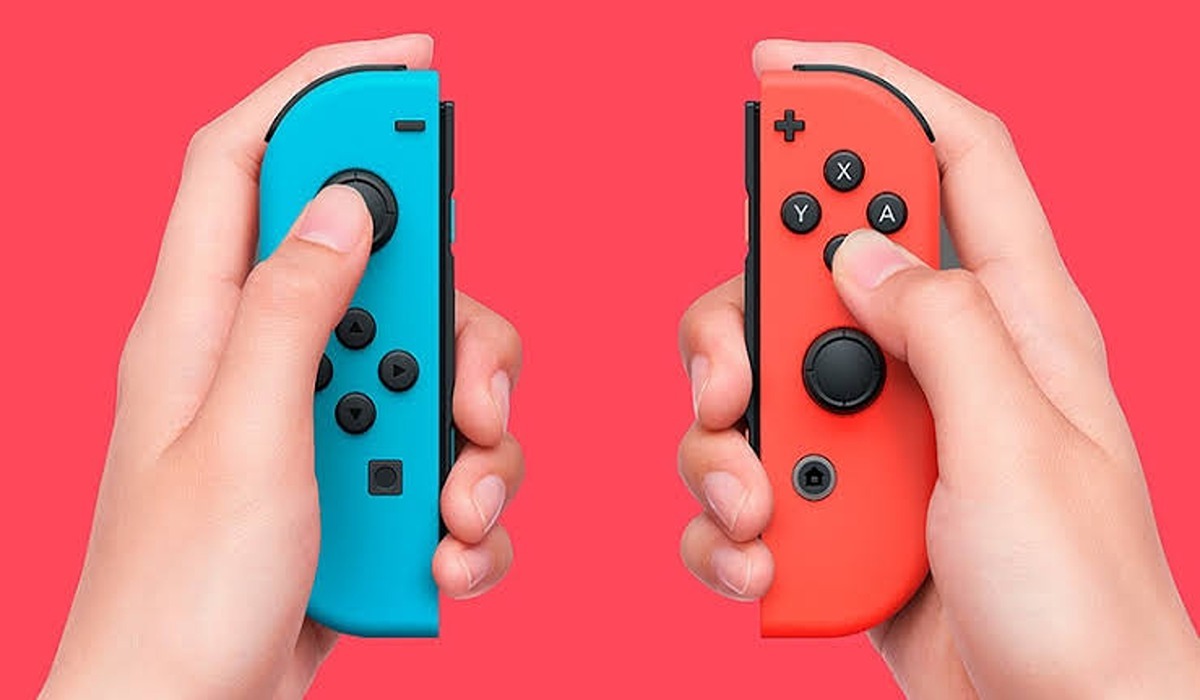
The Joy-Con controllers are the two small controllers that come with the console and attach to the sides of the Nintendo Switch. They are what allow you to play games in handheld mode or multiplayer mode. If your Nintendo switch won’t turn on, it is necessary to inspect the Joy-Con controllers.
First, make sure the controllers are securely attached to the console. If they are not, try firmly pressing them into place. If that doesn’t work, try taking them off and putting them back on again.
Next, check to see if the Joy-Con controllers have any visible damage. If they do, they could be preventing the Switch from powering on.
5. Perform a hard reset
If your Nintendo Switch won’t turn on, a hard reset might get it to work again. This will reset all settings and shut down all background processes that may be causing your device to not turn on.
To perform a hard reset, press and hold down the power button for about 20 seconds. This will cause the console to shut down completely. Once it has been shut down, press the power button again to turn it back on.
If this doesn’t work, try unplugging the console from the power source for five minutes and then plugging it back in.
