

Close Menu
AdimorahBlogAdimorahBlog
  • Home
  • ABOUT US
  • CONTACT US
  • PRIVACY POLICY
  • XIAOMI
    • Xiaomi apps
      • POCO beta testers
    • Xiaomi News
    • Xiaomi Pad
    • Redmi
    • POCO
  • MIUI updates
    • MIUI 14
    • MIUI beta testers
    • MIUI launcher
  • Google
    • Google Camera
    • Pixel
    • Google chrome
  • Samsung
    • OneUI news
    • Samsung News
    • Samsung Galaxy Watch
  • Android
    • Android 13
    • Android 14
    • Android 15
    • Android Auto
  • Smartphone
    • Apple
    • Samsung
    • Pixel
    • XIAOMI
    • Redmi
    • POCO
    • OnePlus
    • Sony
    • Fairphone
    • OnePlus
  • How To
  • Gaming
    • Video gaming
Facebook X (Twitter) Instagram
AdimorahBlogAdimorahBlog
Subscribe
  • Home
  • ABOUT US
  • CONTACT US
  • PRIVACY POLICY
  • XIAOMI
    • Xiaomi apps
      • POCO beta testers
    • Xiaomi News
    • Xiaomi Pad
    • Redmi
    • POCO
  • MIUI updates
    • MIUI 14
    • MIUI beta testers
    • MIUI launcher
  • Google
    • Google Camera
    • Pixel
    • Google chrome
  • Samsung
    • OneUI news
    • Samsung News
    • Samsung Galaxy Watch
  • Android
    • Android 13
    • Android 14
    • Android 15
    • Android Auto
  • Smartphone
    • Apple
    • Samsung
    • Pixel
    • XIAOMI
    • Redmi
    • POCO
    • OnePlus
    • Sony
    • Fairphone
    • OnePlus
  • How To
  • Gaming
    • Video gaming
AdimorahBlogAdimorahBlog
Home | MIUI update | Xiaomi News | Apple | How to Pay an Apple Card Balance With a Check
Apple

How to Pay an Apple Card Balance With a Check

Adimorah JudeBy Adimorah JudeApril 22, 2022Updated:October 6, 2023No Comments3 Mins Read
Facebook Twitter Pinterest LinkedIn Tumblr Email
How to Pay an Apple Card Balance With a Check
Share
Facebook Twitter LinkedIn Pinterest Email

Before making payments on an Apple card, Apple often directs cardholders to make use of the Wallet app on their iPhones. However, there are some people who may occasionally need to pay in a different way and that has led to people asking if they can send a physical check in the mail. Well, it’s quite possible. 
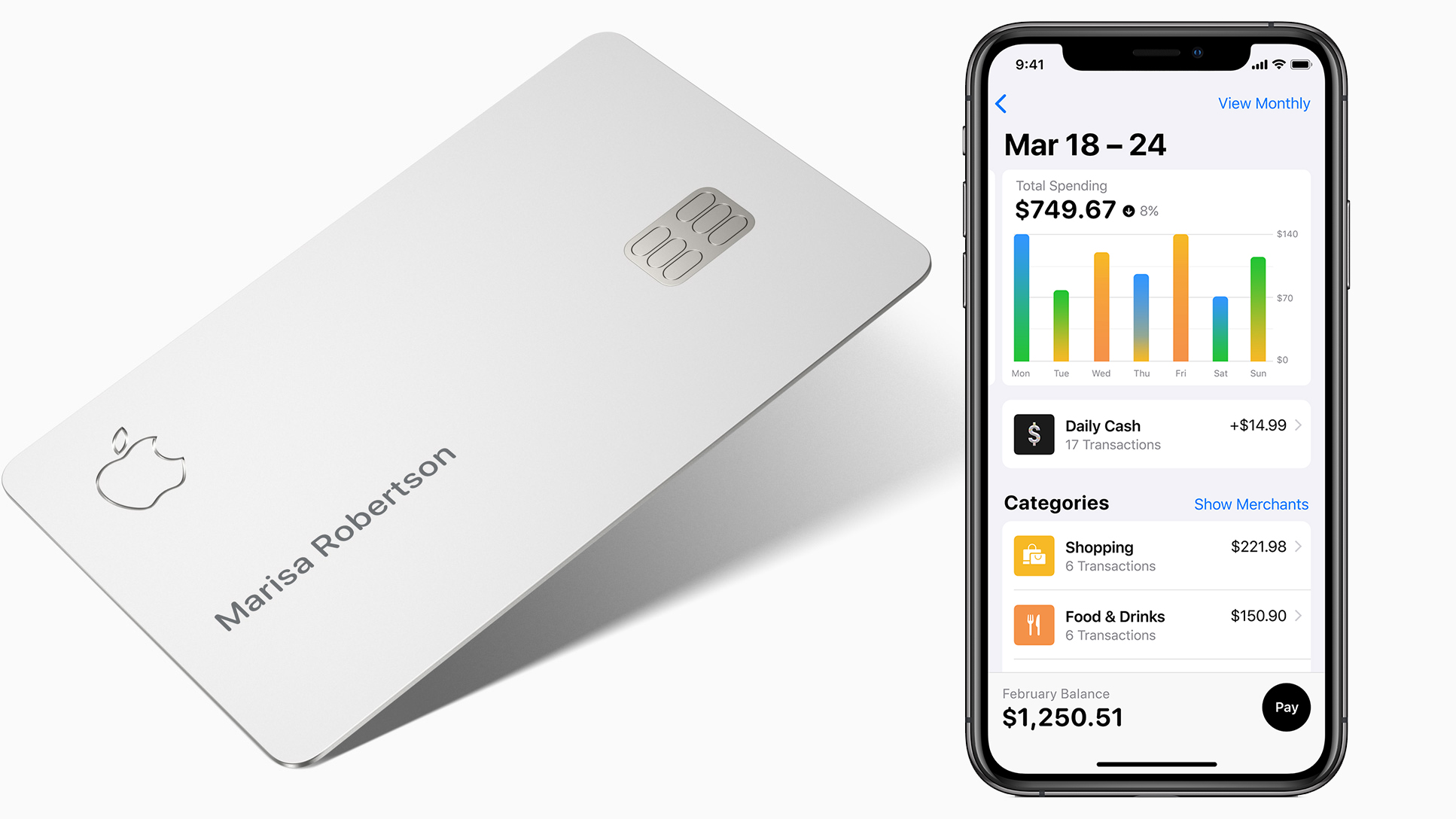
Pay an Apple Card Balance With a Check

You just need to follow the basic steps behind it. In this guide, we’ll be having a look at how to pay an Apple Card balance with a check. So, stay tuned as we continue.

advertisement

How to Make a payment on your Apple Card using a check

You’ll need the following things to make a check payment on your Apple Card:

1. First, you need to submit your Apple Card account number — This is the number on the back of your card, and ensure you include the name linked with your Apple Card account. 

2. You also need the mailing address to which you will deliver your payment

If you’re paying your Apple Card with a check, give yourself 7-10 days for the payment to be received and posted.

When you are paying your Apple Card by check, make sure that you allow 7-10 days for the payment to be received and posted.

Note that if you have Apple Card Monthly Installments (if you used your card to purchase a device from Apple), you need to pay your Maximum Payment for all other Apple Card purchases before additional payments can be applied to your installment balance.

How to Find your Account Number and Balance

Your virtual card number and current balance can be found on your iPhone, iPad, or Apple Watch. Follow the steps below to check them;

iPhone

  • Tap on Apple Card in the Wallet app. Your current balance will be displayed.
  • Tap the icon that looks like a credit card with the number 123 printed on it to see your card number. 
  • To approve this process, use Face/Touch ID or a passcode.

iPad

  • To begin, go to Settings > Wallet & Apple Pay.
  • After that, select Apple Card and then the Info tab. You can check your Apple Card balance by scrolling down.
  • Tap on Card Information to see your card number and confirm with Face/Touch ID or a passcode.

Apple Watch

  • Tap on Apple Card in the Wallet app.
  • Card information can be found by scrolling down. Tap on it.
  • To see your card number, enter your passcode.

Also read: How to fix iPhone camera black screen issue

Final Words

That gives it a wrap on how to pay an Apple Card balance with a check. Hopefully, you find this guide quite helpful as you proceed with the info above. Meanwhile, if you have any questions, you can share them in the comment box below;

Apple Apple Card How to
Share. Facebook Twitter Pinterest LinkedIn Tumblr Email
Adimorah Jude
  • Website
  • Facebook
  • X (Twitter)

I'm a passionate tech blogger.

Related Posts

How to Use a Free Online Image Converter Easily

September 26, 2025

How to track people using Find My Device on Android

June 11, 2025

How to find someone on the Maps using an iPhone

June 9, 2025
Add A Comment
Leave A Reply

Recent Posts
  • How to Use a Free Online Image Converter Easily
  • Xiaomi starts rolling out stable Android 16 based on HyperOS 2
  • Galaxy A36 Android 16-based One UI 8 build spotted
  • Galaxy A15 One UI 8 build spotted on Samsung servers
  • Xiaomi 13T HyperOS 2.2 is now available for download
About Us
AdimorahBlog was founded in 2017 and has grown into a global brand in the past years. As we continue to expand, we will keep providing our readers with the best coverage on Xiaomi HyperOS updates and smartphone latest Android OS updates. We strive to become the update hub for all smartphones. Contact Us: info@adimorahblog.com
AdimorahBlog
Facebook X (Twitter) YouTube Telegram
  • Home
  • CONTACT US
  • ABOUT US
  • PRIVACY POLICY
© 2026 AdimorahBlog. All Rights Reserved

Type above and press Enter to search. Press Esc to cancel.