

Close Menu
AdimorahBlogAdimorahBlog
  • Home
  • ABOUT US
  • CONTACT US
  • PRIVACY POLICY
  • XIAOMI
    • Xiaomi apps
      • POCO beta testers
    • Xiaomi News
    • Xiaomi Pad
    • Redmi
    • POCO
  • MIUI updates
    • MIUI 14
    • MIUI beta testers
    • MIUI launcher
  • Google
    • Google Camera
    • Pixel
    • Google chrome
  • Samsung
    • OneUI news
    • Samsung News
    • Samsung Galaxy Watch
  • Android
    • Android 13
    • Android 14
    • Android 15
    • Android Auto
  • Smartphone
    • Apple
    • Samsung
    • Pixel
    • XIAOMI
    • Redmi
    • POCO
    • OnePlus
    • Sony
    • Fairphone
    • OnePlus
  • How To
  • Gaming
    • Video gaming
Facebook X (Twitter) Instagram
AdimorahBlogAdimorahBlog
Subscribe
  • Home
  • ABOUT US
  • CONTACT US
  • PRIVACY POLICY
  • XIAOMI
    • Xiaomi apps
      • POCO beta testers
    • Xiaomi News
    • Xiaomi Pad
    • Redmi
    • POCO
  • MIUI updates
    • MIUI 14
    • MIUI beta testers
    • MIUI launcher
  • Google
    • Google Camera
    • Pixel
    • Google chrome
  • Samsung
    • OneUI news
    • Samsung News
    • Samsung Galaxy Watch
  • Android
    • Android 13
    • Android 14
    • Android 15
    • Android Auto
  • Smartphone
    • Apple
    • Samsung
    • Pixel
    • XIAOMI
    • Redmi
    • POCO
    • OnePlus
    • Sony
    • Fairphone
    • OnePlus
  • How To
  • Gaming
    • Video gaming
AdimorahBlogAdimorahBlog
Home | MIUI update | Xiaomi News | How To | How to Edit Activities and Workouts in Garmin Connect
How To

How to Edit Activities and Workouts in Garmin Connect

Anna BrookesBy Anna BrookesDecember 11, 2022No Comments3 Mins Read
Facebook Twitter Pinterest LinkedIn Tumblr Email
How to Edit Activities and Workouts in Garmin Connect
Share
Facebook Twitter LinkedIn Pinterest Email

Are you looking to fine-tune your activities and workouts in Garmin Connect? If so, you’ve come to the right place! In this article, we’ll explore the process of editing activities and workouts in Garmin Connect, providing you with step-by-step instructions for making your training data more accurate. So let’s get started and learn how to edit activities and workouts in Garmin Connect!
How to Edit Activities and Workouts in Garmin Connect

Garmin connect Overview

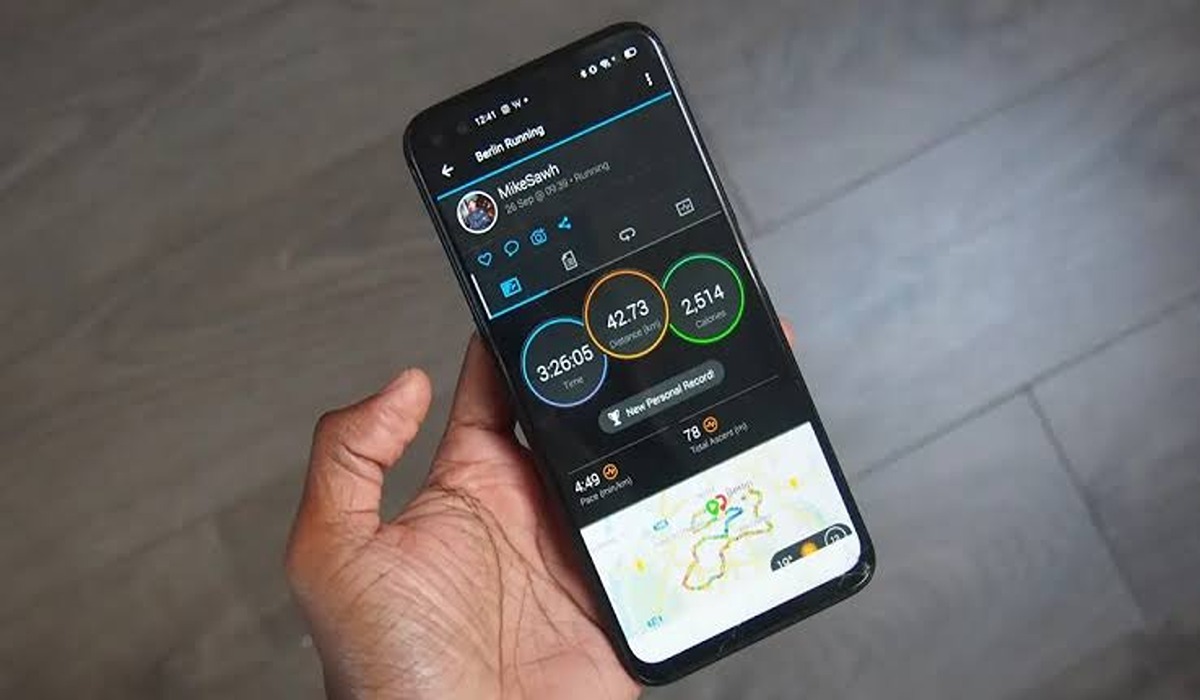
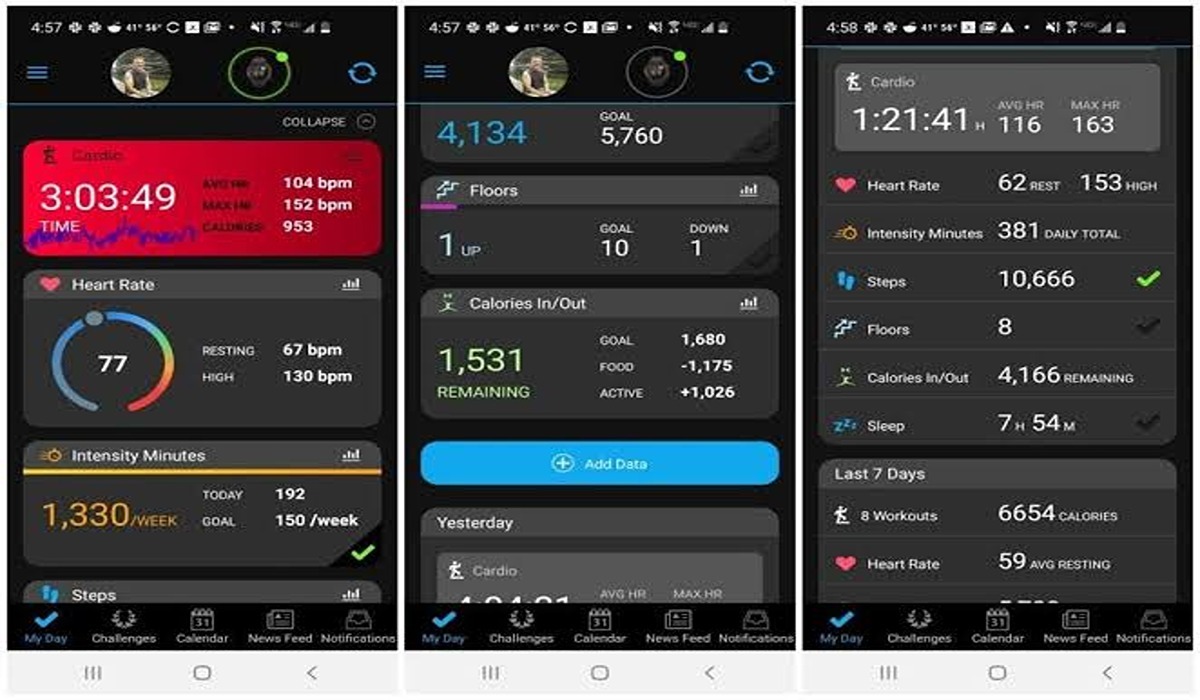
Garmin Connect is a powerful platform designed to help athletes of all levels track and analyze their training data. By syncing your compatible Garmin device to Garmin Connect, you can view detailed metrics such as pace, heart rate, distance, and elevation gain for each activity. You can also set up customizable goals, customize your profile settings, join challenges with other users, and much more. With its comprehensive tracking capabilities, Garmin Connect is the ideal platform for athletes looking to reach their fitness goals.

advertisement

How to edit activities and workouts in Garmin Connect

Follow the steps below to edit your activities and workouts in Garmin connect.

  • Launch Garmin Connect
  • Tap the three-line menu icon located at the top right
  • Choose Activities > All Activities
  • Look for the activity you want to edit and select it
  • Tap the three-dot icon located at the top right, and select Edit Activity
  • Hit Save

What activity details can I edit?

Along with your activities, you can also edit other details on Garmin connect, and we’ve highlighted these details below:

  • Name: Choose a nice name for your activity.
  • Notes: If you have a remark or text you wish to add, you can add it here.
  • Activity type: Change the workout type.
  • Date
  • Time of Day: Edit the time of the workout.
  • Perceived Effort: Rate your effort in the workout on a 0-10 scale, with 10 being the maximum effort.
  • Time: Total duration.
  • Distance
  • Trim Activity: Adjusting the start and finish times of your activity will modify the corresponding distance, speed, and overall duration figures.
  • How Did You Feel?: Assess your current state during the activity. Five options are available ranging from Very Weak to Very Strong.
  • Privacy: Choose whether or not people are allowed to see your activity.
  • Event Type: You can add those details here if the activity occurred during a race or geocaching adventure.
  • Show More Data: Click on this area to access a greater number of editing options such as altitude, calories, energy expenditure, and temperature.

Wrapping Up

Editing activities and workouts in Garmin Connect is a simple process that can help you get the most out of your training. By following the steps outlined in this article, you’ll be able to quickly and easily fine-tune your data to ensure it’s accurate and up-to-date. With these tips, you’ll be on your way to making the most of your training sessions!

Garmin Connect How to
Share. Facebook Twitter Pinterest LinkedIn Tumblr Email
Anna Brookes

Related Posts

How to Use a Free Online Image Converter Easily

September 26, 2025

How to track people using Find My Device on Android

June 11, 2025

How to find someone on the Maps using an iPhone

June 9, 2025
Add A Comment

Comments are closed.

Recent Posts
  • How to Use a Free Online Image Converter Easily
  • Xiaomi starts rolling out stable Android 16 based on HyperOS 2
  • Galaxy A36 Android 16-based One UI 8 build spotted
  • Galaxy A15 One UI 8 build spotted on Samsung servers
  • Xiaomi 13T HyperOS 2.2 is now available for download
About Us
AdimorahBlog was founded in 2017 and has grown into a global brand in the past years. As we continue to expand, we will keep providing our readers with the best coverage on Xiaomi HyperOS updates and smartphone latest Android OS updates. We strive to become the update hub for all smartphones. Contact Us: info@adimorahblog.com
AdimorahBlog
Facebook X (Twitter) YouTube Telegram
  • Home
  • CONTACT US
  • ABOUT US
  • PRIVACY POLICY
© 2026 AdimorahBlog. All Rights Reserved

Type above and press Enter to search. Press Esc to cancel.