


Close Menu
AdimorahBlogAdimorahBlog
  • Home
  • ABOUT US
  • CONTACT US
  • PRIVACY POLICY
  • XIAOMI
    • Xiaomi apps
      • POCO beta testers
    • Xiaomi News
    • Xiaomi Pad
    • Redmi
    • POCO
  • MIUI updates
    • MIUI 14
    • MIUI beta testers
    • MIUI launcher
  • Google
    • Google Camera
    • Pixel
    • Google chrome
  • Samsung
    • OneUI news
    • Samsung News
    • Samsung Galaxy Watch
  • Android
    • Android 13
    • Android 14
    • Android 15
    • Android Auto
  • Smartphone
    • Apple
    • Samsung
    • Pixel
    • XIAOMI
    • Redmi
    • POCO
    • OnePlus
    • Sony
    • Fairphone
    • OnePlus
  • How To
  • Gaming
    • Video gaming
Facebook X (Twitter) Instagram
AdimorahBlogAdimorahBlog
Subscribe
  • Home
  • ABOUT US
  • CONTACT US
  • PRIVACY POLICY
  • XIAOMI
    • Xiaomi apps
      • POCO beta testers
    • Xiaomi News
    • Xiaomi Pad
    • Redmi
    • POCO
  • MIUI updates
    • MIUI 14
    • MIUI beta testers
    • MIUI launcher
  • Google
    • Google Camera
    • Pixel
    • Google chrome
  • Samsung
    • OneUI news
    • Samsung News
    • Samsung Galaxy Watch
  • Android
    • Android 13
    • Android 14
    • Android 15
    • Android Auto
  • Smartphone
    • Apple
    • Samsung
    • Pixel
    • XIAOMI
    • Redmi
    • POCO
    • OnePlus
    • Sony
    • Fairphone
    • OnePlus
  • How To
  • Gaming
    • Video gaming
AdimorahBlogAdimorahBlog
Home | MIUI update | Xiaomi News | How To | How to Fix Vizio WatchFree+ Not Working on TV
How To

How to Fix Vizio WatchFree+ Not Working on TV

Anna BrookesBy Anna BrookesFebruary 17, 2023No Comments3 Mins Read
Facebook Twitter Pinterest LinkedIn Tumblr Email
How to Fix Vizio WatchFree+ Not Working on TV
Share
Facebook Twitter LinkedIn Pinterest Email

As streaming services become increasingly popular, Vizio WatchFree offers free access to a variety of channels, including news, movies, and TV shows. But what happens when you encounter the problem of Vizio WatchFree not working on your TV? This can be a frustrating experience, especially when you just want to kick back and relax. In this blog post, we’ll provide you with tips on how to fix Vizio WatchFree not working on your TV.
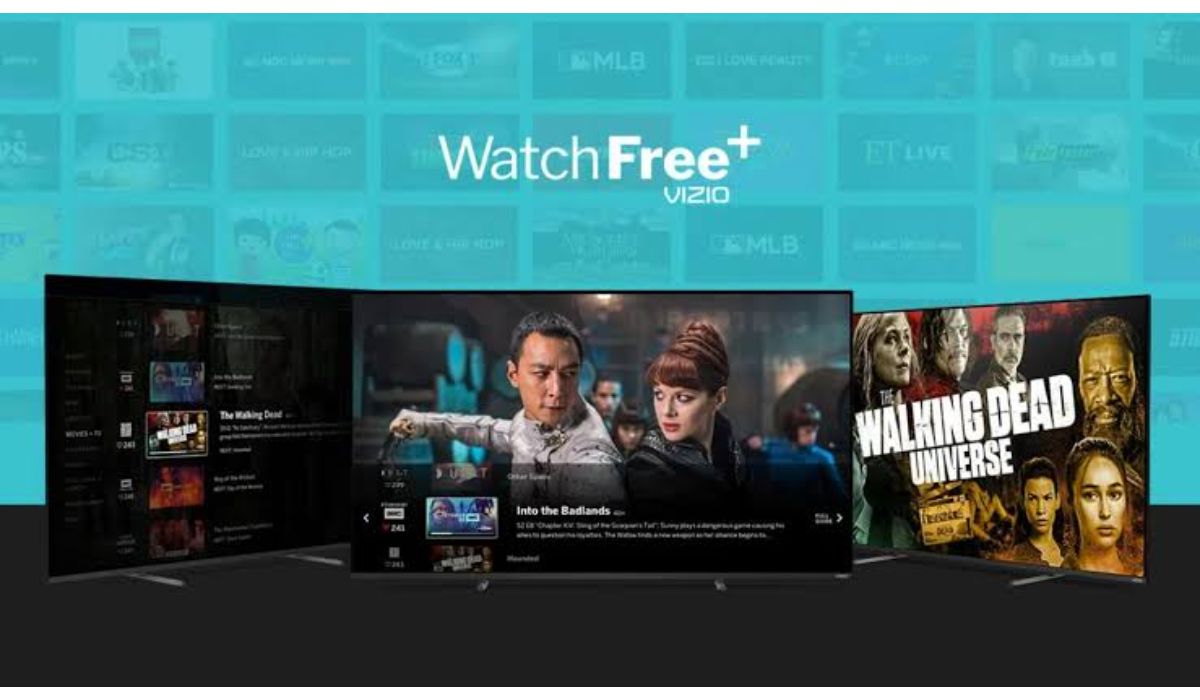
How to Fix Vizio WatchFree+ Not Working on TV

Fix Vizio WatchFree+ Not Working on TV

1. Check Your Network Connection

Before you start troubleshooting the Vizio WatchFree TV, you need to make sure that your TV is properly connected to the internet. You can do this by checking your network settings on your TV. If your network settings are correct, restart your router, and see if that helps. Additionally, try unplugging your TV and plugging it back in after a few minutes to see if that resolves the issue.

advertisement

2. Check for Software Updates

If your network connection is working fine, it’s possible that your Vizio TV or Vizio WatchFree app is not up to date. Check for any available updates on both your TV and router. Once the updates are complete, try launching the Vizio WatchFree app again.

3. Power cycle your Vizio TV

Power cycling involves turning off the TV and disconnecting it from the power source for a brief period, then plugging it back in and turning it on again. This process can help clear any temporary glitches and reset the TV to its original settings. Here’s how to power cycle your Vizio TV:

  • Turn off your Vizio TV using the power button on the remote or the TV.
  • Unplug the TV from the power source. Make sure to disconnect it from both the wall outlet and any other devices it might be connected to.
  • Wait for a few minutes, then plug the TV back in.
  • Turn the TV back on using the power button on the remote or the TV.
  • Check to see if the issue you were facing has been resolved.

4. Reset Your Vizio WatchFree App

Sometimes, clearing the cache and data from the Vizio WatchFree app can fix the issue. First, close the app and go to the app’s settings. From there, select “clear cache” and “clear data.” Once that’s done, launch the app again and check if it works. If the issue persists, try uninstalling the app and reinstalling it from the app store.

5. Contact Vizio Support

If none of the above steps solves the problem, it’s best to reach out to Vizio support. You can visit the Vizio support website, call their support team, or email them for assistance. They may have more in-depth troubleshooting steps to follow or recommend a repair if there is a hardware issue.

Wrapping Up

In conclusion, encountering the problem of Vizio WatchFree not working on your TV can be frustrating, but there are solutions available. Check your network connection, make sure your software is up to date, reset the app, and contact Vizio support if all else fails. With these tips, you can get back to enjoying your favourite TV shows and movies in no time.

Streaming Watchfree TV
Share. Facebook Twitter Pinterest LinkedIn Tumblr Email
Anna Brookes

Related Posts

How to Use a Free Online Image Converter Easily

September 26, 2025

How to track people using Find My Device on Android

June 11, 2025

How to find someone on the Maps using an iPhone

June 9, 2025
Add A Comment
Leave A Reply

Recent Posts
  • How to Use a Free Online Image Converter Easily
  • Xiaomi starts rolling out stable Android 16 based on HyperOS 2
  • Galaxy A36 Android 16-based One UI 8 build spotted
  • Galaxy A15 One UI 8 build spotted on Samsung servers
  • Xiaomi 13T HyperOS 2.2 is now available for download
About Us
AdimorahBlog was founded in 2017 and has grown into a global brand in the past years. As we continue to expand, we will keep providing our readers with the best coverage on Xiaomi HyperOS updates and smartphone latest Android OS updates. We strive to become the update hub for all smartphones. Contact Us: info@adimorahblog.com
AdimorahBlog
Facebook X (Twitter) YouTube Telegram
  • Home
  • CONTACT US
  • ABOUT US
  • PRIVACY POLICY
© 2025 AdimorahBlog. Designed by ThemeSphere.

Type above and press Enter to search. Press Esc to cancel.