


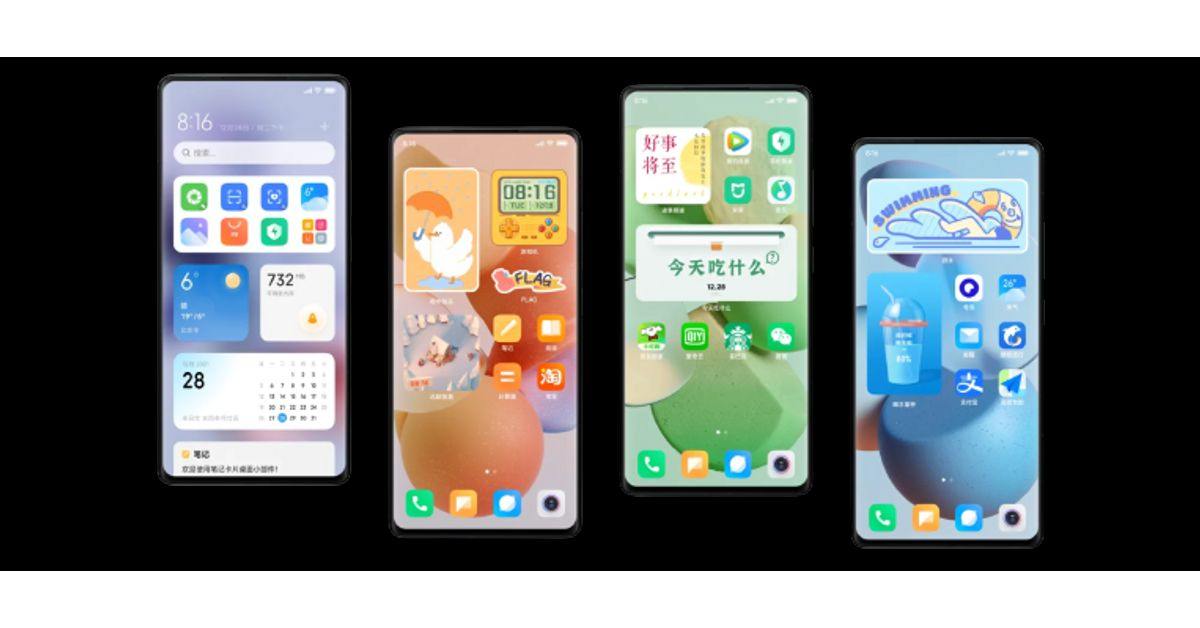
MIUI is making quite the rounds these days. Everyone is speaking about its effectiveness and comparing it with others of its kind. An abbreviation for mobile internet UI, MIUI is an android-based operating system made by the Chinese manufacturer Xiaomi.
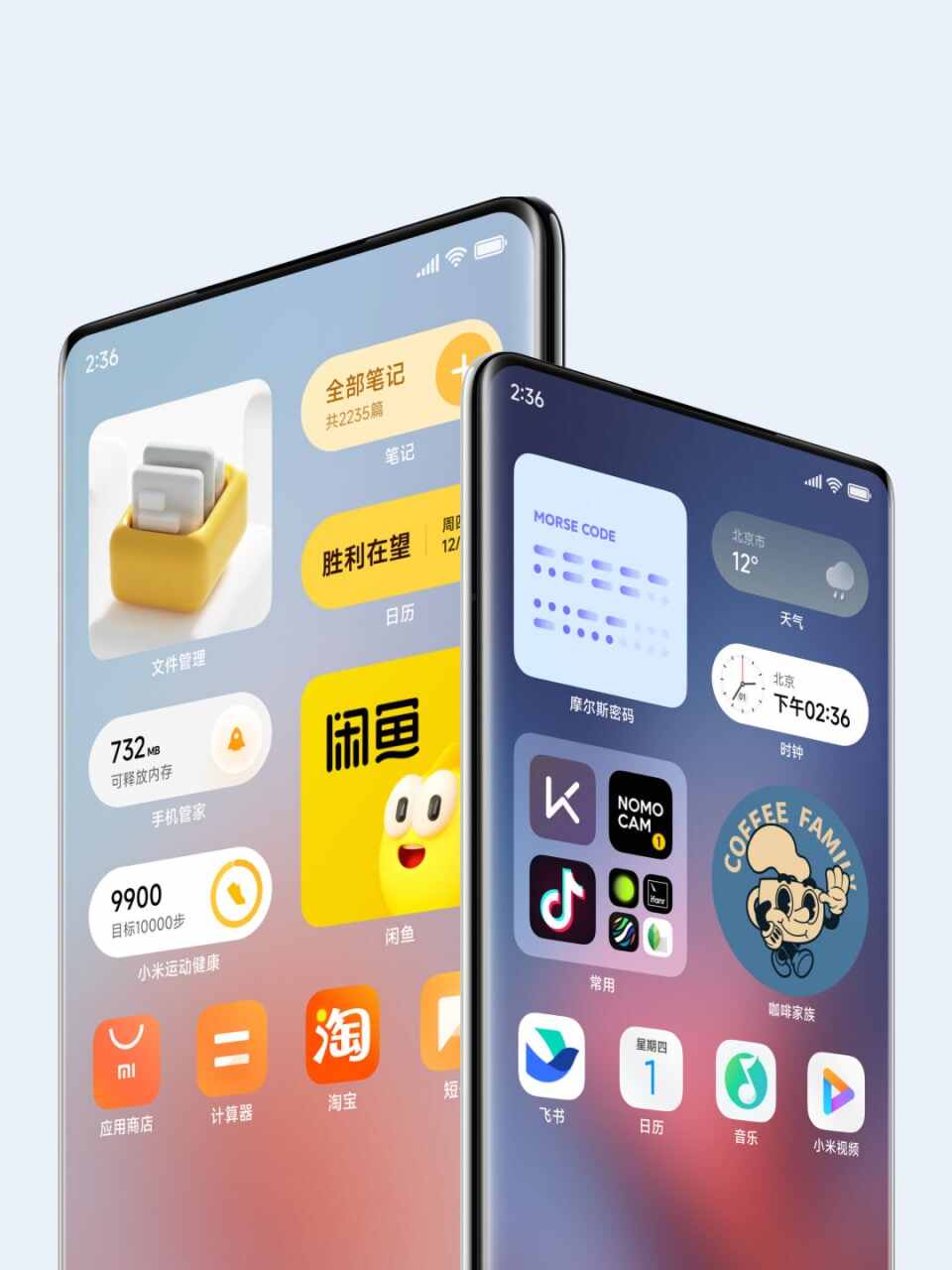
Launched in 2010 in the Chinese markets, it initially included Google software and wasn’t as independent as it is now. It was developed in the Chinese language then and was based on Android 2.2x Froyo. As of now, it reads many other languages and offers a different version for every state.
As you know, Google recently had a lot of disagreements with the Chinese government, which took away China’s access to many Google applications. Therefore, the Chinese version of MIUI doesn’t offer Google apps now. However, countries outside mainland China have access to Google applications with MIUI; thus, it isn’t a problem.
A Few Smart Ways to Improve Your MIUI Experience
Since MIUI is relatively new, people have concerns regarding its speed, security, and overall effectiveness. If you’re concerned about the same, please know that it’s no different than others of its kind. It’s equally effective. All you need to do is follow the steps mentioned below, and you will be good to go:
Don’t Go for Third-Party Apps
Most of the time, it isn’t the operating system that creates issues but the third-party apps. Many people make the mistake of downloading and installing applications from third-party websites and stores. What you need to know is that it could be highly dangerous for your device.
It doesn’t matter what operating system you have, third-party stores and websites often bring along malware. Not to mention, they’re mostly run by bots. While bots may seem harmless, they can provide serious damage to your device, leaving it unstable and ineffective.
Get an Antivirus Plan
Antivirus or malware removal software is a must for your smartphone if you’re looking to increase its efficiency and speed. You can be extremely careful when browsing, but you can never be 100% safe. Hackers keep finding new ways to corrupt your data; therefore, nobody is entirely safe when browsing websites.
What you can do is check out malware removal software and get one in case you don’t have it already. It will ensure that no malware or virus stays on your device. Even if your device is vulnerable, you’ll know that it won’t stay that way for long if you have the right software downloaded and installed. The idea is to keep your device safe, which is the first step towards improving its efficiency.
Block Third-Party Ads
One issue that Xiaomi users commonly face on MIUI is the excessive display of ads. Although ads are pretty useful, as they keep you informed about things happening around you, they could be harmful to your device as you never know which ad is safe and which isn’t.
For that, you simply need to block third-party ads. Simply go to your smartphone’s settings and then ‘connection and sharing.’ After that, click on the private DNS provider hostname and remove the DNS dialogue, and type in the new code. When done, save the settings and you’d stop seeing all those unnecessary ads.
Free Your Storage by Removing the Cache and Other Files
Applications crash now and then, and it’s an issue everyone faces, not just people using Xiaomi devices. It happens because of low storage and when your smartphone is stuffed with lots of data. Thankfully, it has a simple fix.
All you need to do is clear out the cache and other files, and the best part of the story is that doing it is super simple on a Xiaomi device. Just go to your smartphone’s settings, tab on about device, then go to the storage, and clear out the cache. It would take less than a minute, and your device would start moving faster without being unstable.
The Takeaway
Smartphones are extremely expensive these days. Competitors like Apple and Samsung are constantly increasing prices in attempts to compete with each other, make more money, and rule the markets. In such a situation, it’s smart to look for other companies and get alternatives. Xiaomi devices are wonderful in their making and functioning. Not to mention, MIUI is super effective. Just be sure to take the measures mentioned above, and you’ll be good to go.
